Best AI Tools for Presentation: Create Slides That Actually Impress
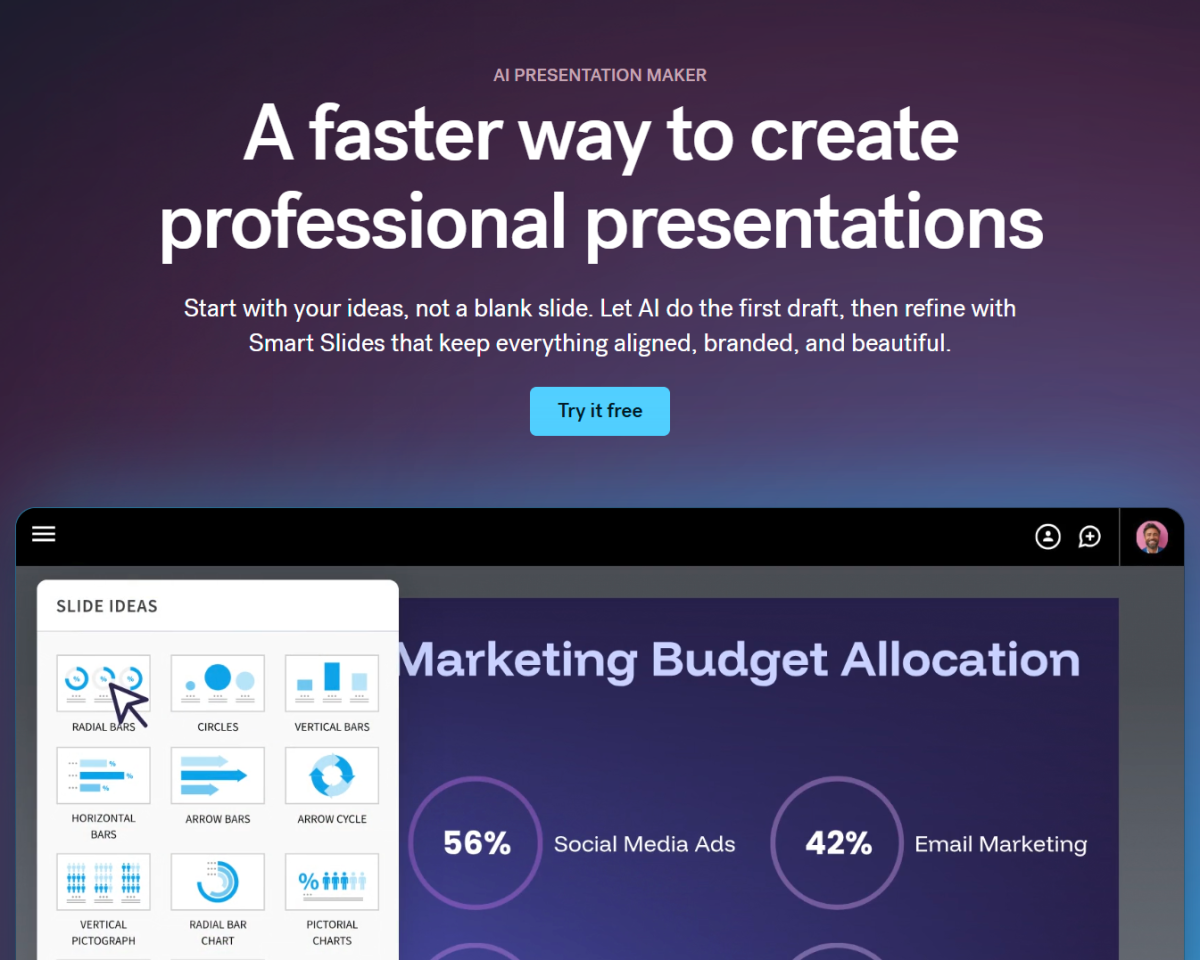
We've all been there. You're staring at a blank slide deck, the clock is ticking, and the thought of designing yet another presentation makes you want to close the laptop and disappear. The good news? AI tools have arrived to handle the heavy lifting.
These tools don't replace your message—they amplify it. The best AI presentation tools help with design, content generation, data visualization, and even delivery. Some write your outlines, others make your slides look professional in seconds, and a few can even generate talking points.
This guide covers the best AI tools for presentation work, organized by what each does best. By the end, you'll know which tool fits your workflow.
Understanding What AI Brings to Presentations
Before diving into specific tools, it's worth understanding what AI actually does well in this context:
Design assistance is the most common use case. AI can analyze your content and apply appropriate styling, layouts, and color schemes. Instead of spending hours on alignment and font choices, you get professional-looking slides in minutes.
Content generation is where things get interesting. Some tools take a topic and generate outline, content, or even entire slide decks. The results aren't perfect—they need your editing—but they provide a serious head start.
Data visualization is another strong suit. AI can take raw numbers and suggest charts, or even generate entire infographics. If you've ever struggled to make data look interesting, this changes the game.
Practice and delivery is the emerging category. Some tools analyze your rehearsals, suggest improvements, and help you polish your delivery.
Not every tool does all of these. Most specialize in one or two areas. Let's look at what each option offers.
The Best AI Tools for Presentation
Beautiful.ai: Design Intelligence
Beautiful.ai positions itself as "the intelligent presentation software," and the AI part isn't just marketing. The tool analyzes what you're adding to slides and applies design rules automatically.
Add a chart? It chooses an appropriate visualization and applies styling. Add a quote? It formats it attractively with proper attribution. The system learns from professional design patterns and applies them without you needing to know anything about design theory.
The template library is extensive, covering common presentation types: sales decks, quarterly updates, product launches, and more. Each template is optimized for both content and visual impact.
What makes Beautiful.ai particularly useful is the balance it strikes. You still have full control—you can override any AI suggestion—but the defaults are strong enough that you often don't need to.
Best for: Professionals who want good design without design skills Strength: Automatic design that actually looks professional
Gamma: AI-Powered Content to Slides
Gamma takes a different approach. Instead of starting with slides and adding content, you start with your ideas. Type a topic, describe what you want to cover, and Gamma generates an entire deck.
The output includes outlines, content bullets, and suggested layouts. You can refine the results, adjust the tone (professional, casual, playful), and iterate until the structure feels right. Then you move into design mode.
Design options are extensive. Gamma offers themed templates, customizable color schemes, and flexible layouts. The AI also suggests images and icons based on your content, though you can swap these for your own.
The free tier is surprisingly capable. You can create decks, use AI generation, and export—all without paying. Premium adds more credits, brand controls, and analytics.
Best for: Fast deck creation from rough ideas Strength: Content-to-slides workflow
Tome: Narrative-Focused Presentations
Tome was built for the age of remote work and digital storytelling. It's less about traditional slide decks and more about creating immersive, narrative experiences.
The AI helps generate content, suggest layouts, and find appropriate imagery. But Tome's real strength is in creating presentations that feel different from the standard corporate deck. Think scrolling narratives, embedded media, and interactive elements.
If your presentations tend to be information-dense or need to tell a story, Tome offers something genuinely different. It's particularly strong for product demos, portfolio presentations, and anything where engagement matters.
Best for: Modern, narrative-driven presentations Strength: Unique layouts and storytelling focus
SlidesAI: Google Slides Integration
If you live in Google Slides, SlidesAI brings AI capabilities directly into the environment you already use. No platform switch required.
The core feature is text-to-presentation: provide your content, choose a style, and SlidesAI generates the deck. It integrates with Google Slides as an add-on, so the workflow feels native.
The AI handles layout selection, icon placement, and basic design decisions. You can customize everything after generation, but you start with a complete deck rather than a blank canvas.
What makes SlidesAI practical is its simplicity. It's not trying to be a full presentation platform—it's making Google Slides smarter. For teams already in the Google ecosystem, that's compelling.
Best for: Google Slides users wanting AI assistance Strength: Native integration, no platform switch
Pitch: Collaborative AI Presentations
Pitch positions itself as a modern presentation platform with AI woven throughout. The design is clean, the collaboration features are strong, and the AI assists at every stage.
AI features include automatic layout suggestions, content recommendations, and even pitch deck analysis. The system looks at what you're building and suggests improvements based on what works in successful presentations.
The collaboration features are worth mentioning. Real-time editing, commenting, and version history make team presentations smoother. If you're building decks with others, Pitch handles the workflow well.
Design quality is consistently high. The templates are modern, the animations are subtle, and the output looks professional without looking generic.
Best for: Teams needing collaboration + AI assistance Strength: Design quality + collaboration
Canva AI: Design for Everyone
Canva's AI features have grown substantially, and presentations are a major focus. If you know Canva for social media graphics, their presentation capabilities deserve a second look.
The AI assists with design suggestions, image generation, and content ideas. You can describe what you want, and Canva generates options. The magic erase and background removal features also apply to presentation elements.
The template library is enormous, and AI helps you narrow down options based on your content. Describe your topic and audience, and Canva recommends templates that fit.
Canva's strength is accessibility. If you've never designed anything, you can still create professional-looking slides. The learning curve is minimal, and the results are impressive for the effort involved.
Best for: Non-designers needing fast, professional results Strength: Accessibility, ease of use
Comparing the Options
Tool Design AI Content AI Best For Learning Curve
Beautiful.ai
Strong
Moderate
Auto-design
Easy
Gamma
Strong
Strong
Fast generation
Easy
Tome
Strong
Strong
Storytelling
Easy
SlidesAI
Moderate
Strong
Google users
Easy
Pitch
Strong
Moderate
Teams
Easy
Canva
Strong
Moderate
Beginners
Easiest
Choosing the Right Tool
Consider your primary pain point:
I want my slides to look professional without trying. Beautiful.ai and Canva handle this best. The AI makes design decisions that work, and you can override when needed.
I have an idea and need a deck fast. Gamma excels here. Describe your topic, get a complete deck, then refine. The speed is unmatched.
I want something different from standard slides. Tome creates narrative experiences that stand out. Worth trying if your audience is tired of the same deck formats.
I'm already in Google Slides. SlidesAI keeps you in your existing workflow while adding AI capabilities. No learning curve for the platform itself.
I work with a team. Pitch combines strong collaboration with AI assistance. The workflow features matter when multiple people are building.
Getting More From AI Presentations
Having the right tool is only part of the equation. Here's how to get better results:
Feed the AI quality input. These tools work from what you provide. A vague topic gets vague results. Specific prompts generate specific, useful output. Spend time on your initial description.
Edit the output. AI generates starting points, not finished products. Your expertise, insights, and voice should come through in the final version. Use AI for the heavy lifting, then make it yours.
Think about your audience. The best presentations connect with specific people. Use AI to handle design and structure, then tailor the content to who will actually see it.
Practice delivery. Some tools offer presentation coaching. Even without that, rehearsing matters more than the slides. The best deck in the world fails without a presenter who believes in it.
The Bottom Line
AI presentation tools have reached the point where they're genuinely useful, not just novel. The question isn't whether AI can help—it's which tool fits how you work.
Start with the one matching your biggest frustration. Struggling with design? Try Beautiful.ai or Canva. Need to create fast? Gamma is built for speed. Want something different? Tome offers genuine innovation.
The best part is you can try most of these for free. Spend an hour with one, see if it clicks, and adjust from there. Your next presentation doesn't have to be a design nightmare.
Nancy Nguyen
Social Media Dreamer