What Is an LLM Router and Do You Need One?
A support agent at one company spent a weekend making the same failed API call over and over — no spending cap, no fallback, nobody watching. By Monday morning the bill was $9,000. Stories like this are why "LLM router" keeps showing up in every architecture meeting of 2026. But between the vendor landing pages and the Hacker News skeptics, it's genuinely hard to figure out what an LLM router actually does — and whether you need one or you're just adding a moving part that will break at 2am.
Here's the short version: an LLM router sits between your application and your model providers, and decides which model handles each request. It can save real money at scale. It can also add latency, break prompt caching, and quietly cost more than it saves. This guide walks through what routing actually involves, the hidden costs nobody advertises, and a checklist for deciding if you've hit the point where a router earns its keep.
What an LLM Router Actually Does (and What It Doesn't)
An LLM router makes the model choice per request. Instead of hardcoding a single expensive frontier model (like claude-opus-5 or gpt-5.6-sol) into your app, you send requests to the router, and it picks the model — usually based on some mix of rules, task classification, and cost targets.
What it does well:
Failover — when one provider returns errors or rate-limits you, the request retries on a backup model automatically
Cost tiering — simple requests go to a cheap model, complex ones to a frontier model
Load spreading — traffic distributes across API keys or providers
Tracking — every call gets logged with its cost, so bills stop being a surprise
What it doesn't do: magic. A router still picks from models you pay for. It adds no intelligence of its own — and when it guesses wrong about how hard your request was, you either overpaid for capacity you didn't need or shipped a worse answer to your user. That second failure mode is the expensive one, because nobody files a ticket saying "the model felt slightly dumber today."
The honest framing: a router is a policy layer, not a brain. The quality of everything downstream depends entirely on how good that policy is.
That distinction matters once you notice that half the tools calling themselves routers are actually something else — which brings us to the naming mess.
Router vs Gateway vs Proxy — Clearing Up the Naming Mess
Vendors use these terms interchangeably, but there's a useful line between them:
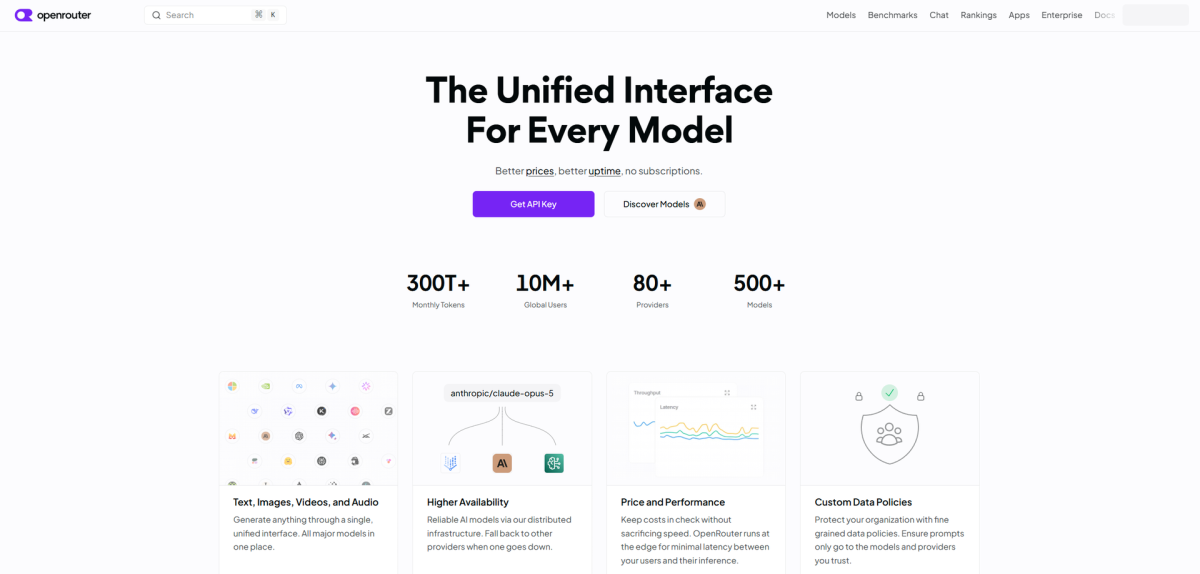
Proxy — forwards requests to another provider behind one stable endpoint. OpenRouter started as exactly this: one API key, many models, you still pick the model yourself.
Gateway — executes pre-written governance policy: auth, rate limits, budgets, logging, access control. It never reads your prompt to form an opinion about which model fits.
Router — the prompt itself is an input. Two identical-looking requests can land on different models depending on estimated difficulty.
The test: can the layer change the model based on prompt content alone? If yes, it's routing. If it only enforces rules written ahead of time, it's a gateway. In practice most products blur the categories — LiteLLM ships both failover machinery and smart-routing modes; Portkey's gateway grew router features as the market demanded them.
One caveat worth knowing before you pick a side: gateways log prompts for observability, which turns a privacy review into a real conversation if your traffic touches anything regulated.
So if these tools overlap this much, why does anyone bother? Because the pitch — pay less for the same quality — is seductive. Whether it survives contact with production depends on costs that don't appear on any landing page.
The Hidden Costs Nobody Puts on the Landing Page
Every router demo shows the happy path. Production diverges on four things:
Latency overhead. Classification isn't free. RouteLLM-style semantic routing adds measurable per-request overhead — one practitioner testing four routers under load measured 80–120ms extra for classifier-based routing. Interestingly, the tax isn't universal: a 2026 benchmark from Opper found OpenRouter actually beat direct OpenAI calls on time-to-first-token, trading roughly 10% throughput for it. Measure before assuming.
Cache behavior. Prompt caching gives huge discounts on repeated context — and switching models mid-conversation sounds like a cache killer. The fear shows up in every HN thread ("routed requests always land cold"). LiteLLM's own measurement says otherwise: across 4,684 real switch-backs, 99.3% returned to a warm cache within an hour TTL. The actual disaster mode is running a router without caching enabled — their benchmark puts that around 4x the cost of caching one fixed model.
Context loss. Handing a conversation from one model to another mid-task means re-transferring full context, and different models have different tool-use habits and quirks. Coding agents suffer most here — cheap models paraphrase file contents instead of quoting them exactly, which breaks exact-match edit operations, and weak models get stuck re-reading the same files without converging.
Platform fees. Hosted routers charge for convenience — OpenRouter takes about 5.5% on credit purchases. Fine at $200/month, painful at $20,000/month. Self-hosted options like LiteLLM flip the trade: zero markup, but now you're running Postgres, Redis, and upgrades.
None of these kill the idea. All of them shrink the savings the sales page promised. Which raises the obvious question — when does a router actually clear the bar?
Do You Need One? A Checklist by Situation
Run your situation through this table:
Your situation | Verdict |
|---|---|
One provider, low volume, no cost pressure | Skip it — retries plus one fallback model |
Bill growing faster than revenue | Cost-tier routing starts paying for itself |
Clearly different workloads on one model | Rule-based task routing |
Multiple providers, past outage scars | Failover across providers |
Quality-critical product with evals in CI | Classifier or eval-based routing |
The trigger points that actually justify a router: token spend becoming a top infra line item, latency variance hurting users, workloads so obviously different that one model serves all of them badly, or an outage that already took your product down once.
And the anti-triggers: early-stage product, a few hundred requests a day, uniform workload. If that's you, a router is complexity theater. Even the research backs restraint — a 2026 academic benchmark (LLMRouterBench) found several recent approaches, including commercial routers, failing to reliably beat a simple baseline across 400k+ test instances.
If you're somewhere in the middle — curious about savings, wary of infrastructure — don't start with a router at all. Start with the setup below.
Start Here Instead: Two Models, Retries, One Fallback
Most of a router's value comes from two decisions: which models, and what happens when one fails. You can encode both in a few lines before installing anything.
# Minimal LiteLLM fallback config — fast/cheap model first,
# escalate to a frontier reasoning model on failure or high-complexity tasks
model_list:
  - model_name: daily-driver
    litellm_params:
      model: google/gemini-2.5-flash
  - model_name: heavy-duty
    litellm_params:
      model: anthropic/claude-opus-5

router_settings:
  fallbacks:
    - daily-driver: ["heavy-duty"]
This is the pattern practitioners keep reinventing: a lightning-fast, cost-efficient default (such as Gemini 2.5 Flash, GPT-5.6 Luna, or DeepSeek V4 Flash), an elite frontier escalation path (like Claude Opus 5, GPT-5.6 Sol, or Kimi K3), and automatic retry on failure. No classifier, no per-request scoring, nothing to maintain beyond the config file. Teams running local models use the same shape — a small fast model handling easy traffic, falling back to a cloud model when confidence drops.
💡 Tip: Keep the model pool small and clearly differentiated — one frontier model, one fast/cheap model. Engineers running this setup report cache-hit rates above 99%, because requests stay on the same model long enough for caching to compound.
Add budget alerts before anything else. The $9,000 weekend happened because nobody capped spend, not because someone chose the wrong model. A hard ceiling on your provider dashboard would have caught it at $50.
Once that foundation runs for a month, you'll have real data: where failures cluster, what your traffic actually looks like, whether the cheap model holds up. Then the router decision makes itself.
When to Graduate — and Picking Your Tool
You'll know it's time when the numbers say so: spend past a few thousand dollars monthly, distinct task types demanding different models, or a second provider entering the picture for reliability. At that point, the landscape splits cleanly by stage:
Experimenting or prototyping — OpenRouter gives you hundreds of models behind one key with zero ops. Accept the fee as the price of speed.
Scaling past ~$10K/month — self-hosted LiteLLM eliminates markup and gives you full control; budget for the DevOps time. Its auto-router stacks with prompt caching for compound savings.
Compliance or heavy observability needs — Portkey's gateway went fully open source in 2026, bringing guardrails and audit trails along with it.
For teams that want cutting-edge model-selection research, RouteLLM remains the reference open-source implementation — trained routers claim up to 85% cost reduction while holding 95% of frontier model quality (matching Claude Opus 5 or GPT-5.6 Sol-class outputs), though treat those benchmarks as ceilings, not quotes.
The pattern across all stages: start boring, add sophistication only where measurements demand it. An LLM router is a good servant of a well-instrumented stack and a poor substitute for one. Get the basics right first — two models, retries, one fallback rule, and a spending cap — and if a router ever does earn its place, you'll adopt it with data instead of hope. That's the whole trick.