LM Studio vs Ollama: Compare One Model Fairly
Define the LM Studio vs Ollama decision
LM Studio vs Ollama is a useful comparison only when you know which decision it needs to support. You might be choosing a comfortable place to explore models, a local endpoint for a script, or a repeatable service configuration. Those goals overlap, but they do not produce the same winner. A setup that feels convenient during exploration can have different requirements from a process you expect to restart without supervision.
The most misleading comparison starts with two model names that look similar, runs one prompt in each application, and declares the faster result a property of the product. The underlying model files, quantization, runtime, prompt formatting and memory settings can differ. Without recording those variables, you have compared two configurations whose differences you cannot explain.
Use this guide to plan a controlled evaluation on your own hardware. Start with a workload, identify the model artifact, align the request as closely as practical, and judge operational behavior alongside output quality. The steps below are a test plan; they contain no measured benchmark results.
Ask a question you can answer locally
For example: “Which setup can repeatedly rewrite our short release notes on this workstation, with acceptable response time and a simple restart procedure?” That question identifies a machine, a task and an operational requirement. It is much more useful than “which local AI tool is best?”
Write down what would change your choice. Perhaps both are fast enough, so ease of configuration matters most. Perhaps one cannot support a required model or request feature. Perhaps the first answer after an idle period matters more than the rate of a long generation. Set these priorities before seeing results, so an impressive number does not redefine the project after the fact.
Treat the evaluation like comparing two ovens with the same recipe. You need the ingredients and conditions to be comparable, but you also care about controls, cleanup and whether someone else can repeat the result. The model artifact is where that comparison begins.
Match the model artifact and disclose remaining differences
A model family name is not a file identity. Two downloads can share a recognizable name while using different precision, quantization, revisions or metadata. Record the publisher, repository, revision if available, file name, format and file size. For a controlled file-based test, calculate and preserve a checksum as well.
If both installations support the same single-file GGUF artifact for your chosen model, importing that artifact is a useful way to reduce variation. It does not make every runtime setting identical, and some model architectures or features may require different support. If the file cannot be used in both configurations, document that limit instead of quietly substituting another format.
Import without losing your source file
The LM Studio import reference documents an important default: importing can move the original file unless you choose another method. The example below explicitly requests a copy. Adjust the path for your machine and check the installed command's help before running it.
# Import a local model while keeping the original artifact in place.
lms import /path/to/model.gguf --copy
For Ollama, the official model-import guide describes creating a Modelfile that points to the GGUF artifact and then creating a local model. Keep the artifact available, and avoid treating the local alias as proof that the imported bytes match a separately downloaded library model.
# Modelfile: point this local definition at the artifact being compared.
FROM /path/to/model.gguf
# Create a local Ollama model from the prepared Modelfile.
ollama create comparison-model -f Modelfile
These examples describe preparation, not measured test results. If a command rejects the model, investigate support and packaging before drawing a performance conclusion.
Keep an exception column
Your comparison record should include an explicit “not matched” field. A different runtime, template, context configuration or unsupported option belongs there. A disclosed difference does not invalidate every practical comparison; it changes the conclusion you can responsibly draw.
For instance, comparing a preferred optimized setup in each application may answer a workflow question. Comparing the same artifact under closely aligned conditions answers a narrower inference question. Name which experiment you are doing before you start recording times.
Align the request and inspect what each server receives
Use a short, text-only task for the first pass. Do not begin with tools, retrieval, image input or multiple agents. Those capabilities may be part of the eventual workload, but they introduce additional variables that make a basic mismatch harder to locate.
Both products provide interfaces compatible with familiar chat clients, but compatibility should be checked at the level of the fields you use. Ollama's compatibility documentation describes support for a subset of the API, rather than promising that every client behavior is interchangeable. The LM Studio compatibility reference lists its supported endpoints. Check the parameters for the endpoint you choose. Verify the specific contract instead of assuming that changing the base address is the entire migration.
Use the same task, not merely similar prose
Save the exact messages in a file. Include the system instruction, user input and any previous conversation turns. A hidden instruction added by one interface can change both the answer and the amount of work performed. If you cannot inspect the full prompt path, record that limitation.
For a release-note experiment, prepare three inputs: a straightforward rewrite, an ambiguous sentence, and a request that could tempt the model to invent a feature. Judge whether the output preserves meaning, identifies ambiguity and avoids unsupported details. Those checks remain useful even when both systems return a fluent sentence.
Align output limits and sampling settings where supported. Do not claim that an equal temperature or seed guarantees identical output across different runtimes. The practical aim is to remove avoidable differences, not to promise bit-for-bit equivalence from settings with the same label.
Make the release-note checks concrete before running either application. For a straightforward input, try: "Fixed the export dialog so it remembers the selected folder." An acceptable rewrite should retain both the dialog and the remembered folder. Reject an answer that adds faster exports, a new file format or a promise about every operating system. Those details were never in the input.
For the ambiguity case, use: "Improved support for large files." Ask the model to flag missing details instead of supplying a file-size limit. Save your acceptance notes beside the prompt, then assess the two outputs without the application names visible. If reviewers disagree, preserve both explanations and refine the rule before the next round. This gives you a reusable quality check alongside the timing record.
Check context and reasoning behavior
Record the configured context and any reasoning-related setting relevant to the selected model. Keep the first prompt comfortably within the supported input budget. A test that truncates one request or produces a long hidden reasoning phase in one configuration needs more explanation than a single speed number can provide.
Also separate native endpoint measurements from shared-interface measurements. You may use a shared chat interface to test client integration, and a native endpoint to inspect server-specific timing fields. Label those runs separately. Once the request path is clear, you can define what “fast enough” actually means for the task.
Measure cold starts, repeated calls and useful completion
A local service has more than one kind of waiting. Loading a model, processing a long prompt and generating output are different activities. A person using a chat interface may care about the first visible response; a batch script may care about total completion time and failures across many requests.
Decide which observations you need before collecting them. For a small comparison, record whether the model was already loaded, the elapsed client time, whether the response completed, the approximate output size and whether it passed the task checks. If you measure first-token latency at the client, observe the stream; the arrival time of a non-streaming response alone cannot establish it. Some native APIs report server-side first-token timing even without streaming, as in LM Studio's REST API v0 example. Label that separately from client-observed latency.
Keep cold and warm runs separate
Run a small sequence after a deliberate restart or reload, then another sequence with the model already active. Record the conditions for each group. Do not average a model-loading run into one application's results while excluding it from the other's results.
Alternate the order of the applications where practical. Keep other workloads and power conditions as consistent as you can, and note interruptions. A background process or a thermally constrained laptop can affect the experiment without either product changing.
The Ollama generation endpoint reference exposes fields for loading, prompt evaluation and generation, with durations expressed in nanoseconds. Those fields can help explain a native-endpoint run. They should not be assumed to have an identical counterpart or identical scope in another server's response.
Use a blank results sheet first
The following is a recording template, not a set of benchmark results. Fill it with observations from your own environment and keep unsuccessful runs rather than deleting them from the comparison.
Observation | LM Studio configuration | Ollama configuration |
|---|---|---|
Model artifact and checksum | Record locally | Record locally |
Runtime and version | Record locally | Record locally |
Cold completion time | Measure | Measure |
Warm completion times | Keep each run | Keep each run |
Failed or incomplete requests | Count and describe | Count and describe |
Task-quality checks | Review saved outputs | Review saved outputs |
Unmatched settings | Disclose | Disclose |
A faster response that fails the release-note check is not a successful result for that application. Evaluate the complete task, then investigate speed differences that remain after obvious configuration mismatches have been removed.
Compare the work around inference
When both configurations meet the task requirement, operational details can decide the choice. How do you select a model, inspect its active state, start the server, find an error and restore a known working configuration? The answer should be demonstrated by a short rehearsal rather than inferred from whether the interface looks technical.
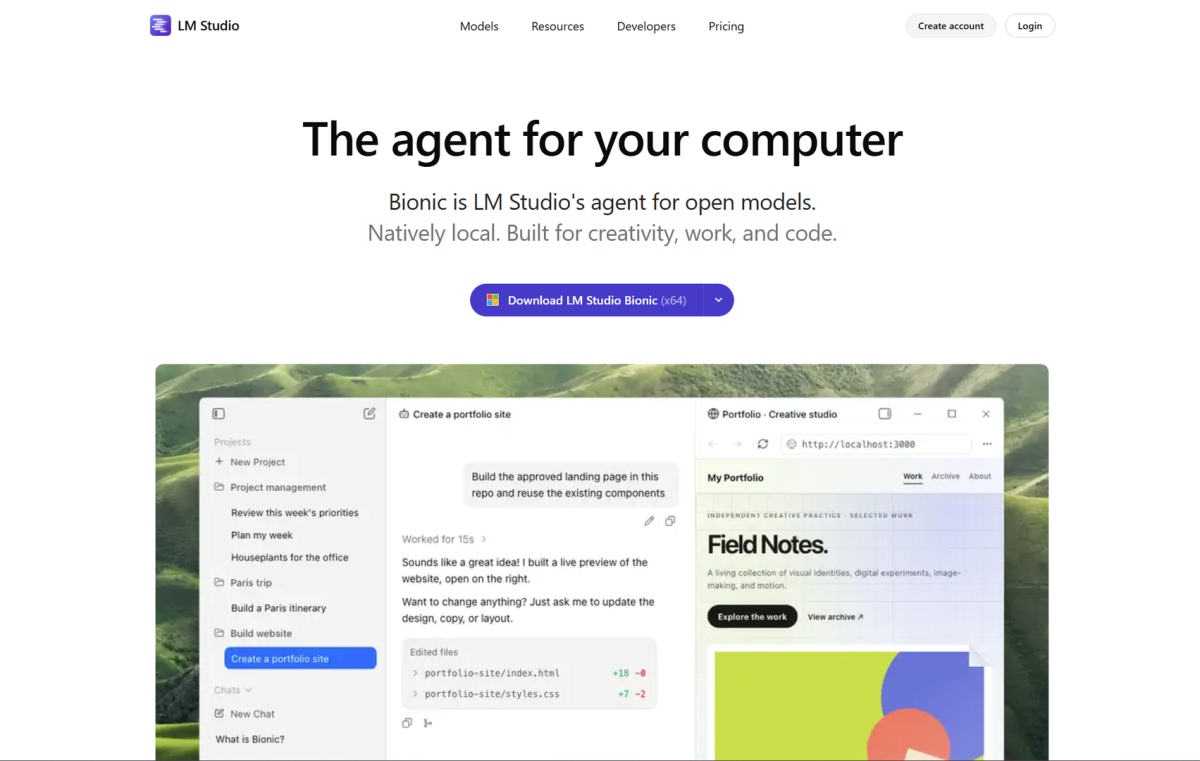
LM Studio is not limited to clicking through a desktop interface. Its CLI documentation includes model, server and daemon commands. That means “GUI versus command line” is an incomplete description of the decision. Check the specific workflow you want to automate and the interface each product offers for it.
Rehearse a restart and a handoff
Ask another person, or your future self using only the run notes, to start the chosen model and repeat the acceptance request. Record where instructions are missing. If the setup depends on a remembered click or an unexplained environment variable, fix the documentation before calling the workflow repeatable.
Test a wrong model identifier and a stopped server deliberately in your own test environment. Observe whether the client surfaces a useful error and whether the person operating it can distinguish the two cases. There is no need to trigger destructive failures; simple negative cases reveal a great deal about the surrounding application.
Inspect storage behavior as well. A comparison using copied model artifacts may consume more disk space than the final setup requires. Record which files are originals, imports or managed copies before cleaning up. Do not delete a shared artifact merely because one application appears to have another copy.
Scope local operation to the path you use
A product supporting local models does not mean every optional feature or connected tool stays on the machine. Verify which model is selected, which server address the client contacts and whether external integrations participate in the request. Apply that check symmetrically to both setups.
For the release-note example, a useful operational requirement might be: “The saved test completes with the prepared local model and no external tool calls.” That is observable. A broad statement that one brand is always private is not a substitute for inspecting your actual path. With performance and operation both documented, you can make a bounded decision.
Write a conclusion your evidence can support
A good comparison ends with a conditional recommendation tied to the workload. You might conclude that one setup was easier to reproduce, that both met the latency requirement, or that a required feature could not be matched. Those are useful findings even if they do not produce a dramatic speed chart.
Avoid converting a result from one model and one machine into a statement about every supported configuration. If the artifact, runtime or request differs, disclose that near the conclusion. If no controlled test was run, describe the evaluation plan and product capabilities without presenting hypothetical numbers as observations.
Use decision criteria instead of a universal winner
For an exploration workflow, you may prioritize model discovery, configuration visibility and quick manual checks. For an application endpoint, you may prioritize client compatibility, restart behavior and clear failure reporting. For a shared service, you will need a broader operational evaluation than a single-user workstation test provides. The self-hosted LLM guide provides further context for that wider deployment decision.
You can score the criteria, but define the weights before filling in the results. Otherwise the table can become a formal-looking way to justify whichever tool you already prefer. Keep the saved prompts and outputs available so that someone can challenge the judgment without rerunning the entire installation.
Suppose both tools produce acceptable release-note rewrites and both are comfortably within the team's waiting tolerance. If one requires less effort to restore and explain, that may be the more valuable difference. Conversely, if the preferred workflow lacks a required model capability, convenience alone will not resolve the gap. The decision comes from the requirements you wrote at the beginning.
Preserve a small comparison bundle
Save the configuration notes, artifact identity, request examples, individual observations and final decision together. Include a date and a reason to revisit the result, such as a changed workload, a different machine or a needed feature. A new release is a reason to check what changed, not an automatic reason to discard a working setup.
The useful outcome is a choice you can explain without borrowing someone else's tokens-per-second screenshot. Match what can be matched, disclose what cannot, and judge the job from input to usable output. That makes LM Studio vs Ollama a practical engineering decision grounded in your workload.